The same lesson, to read
Everything the video says, illustrated with its own images. Read it instead, or as well.
You have a first circle. Time to write your first share.
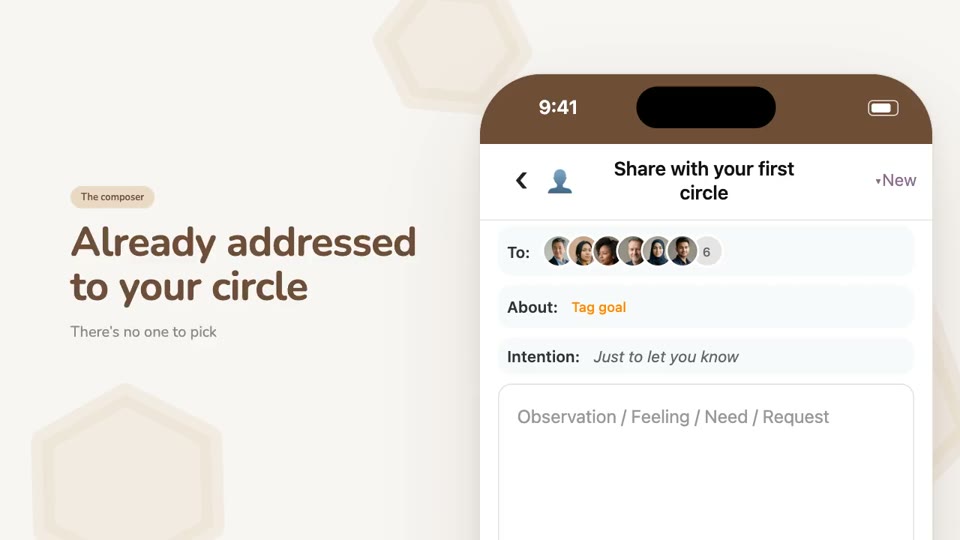
Tap Share, the button in the middle at the bottom of the screen. The share opens already addressed to your first circle: there's no one to pick, no audience to assemble each time. It's already there.
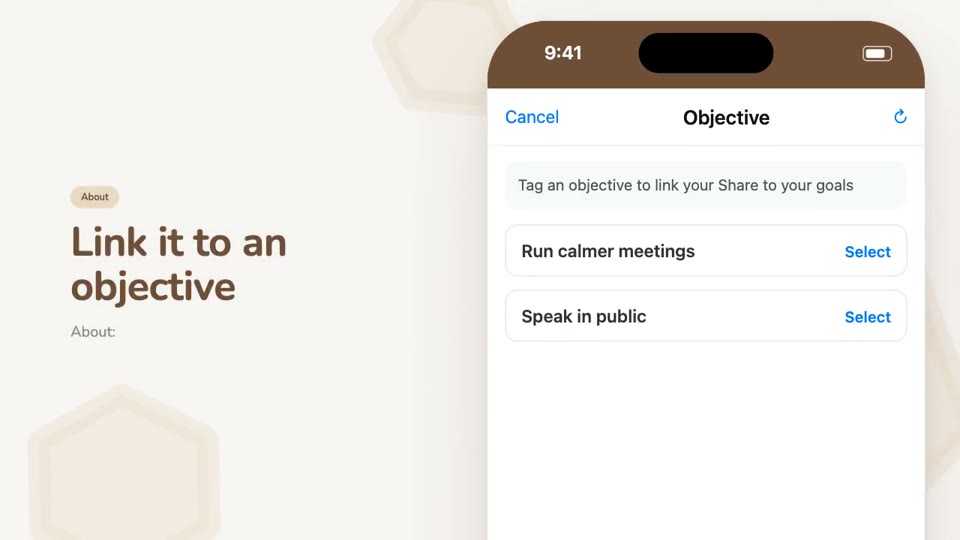
At the top, the About line links the share to one of your objectives: tap it, then pick from the list. It's optional, but your readers will see what your writing relates to.
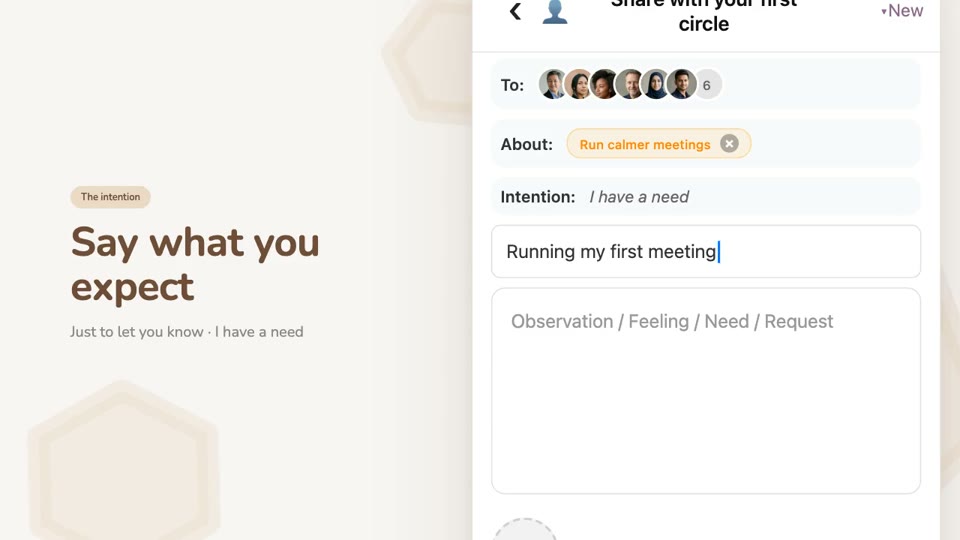
Then the intention, the field that matters most. In your personal space there are two: Just to let you know and I have a need. It tells your readers what you expect from them. Without it, people read you without knowing whether to answer, to advise, or simply to take note.
Choose I have a need, and a line appears to say what you need help with. A few words are enough: “Leading my first meeting”.
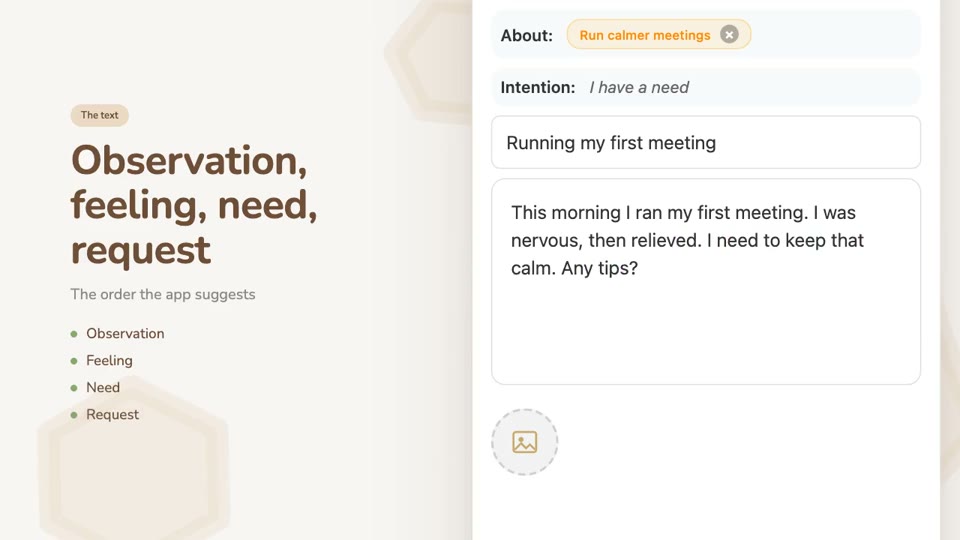
Then your text. The app suggests an order: observation, feeling, need, request. What you noticed, how it affects you, what you'd need, what you're asking for. None of it is compulsory, but that order makes a share easier to read, and easier to help with.
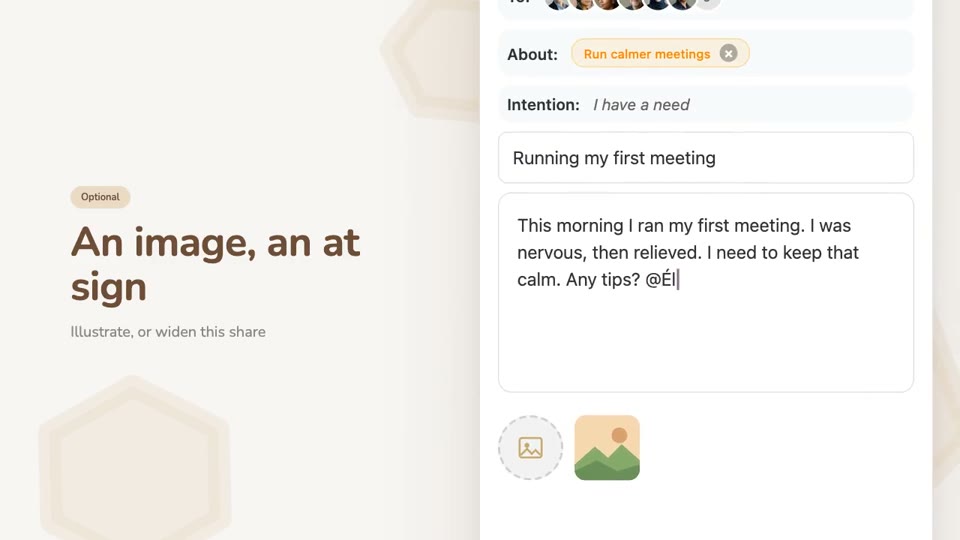
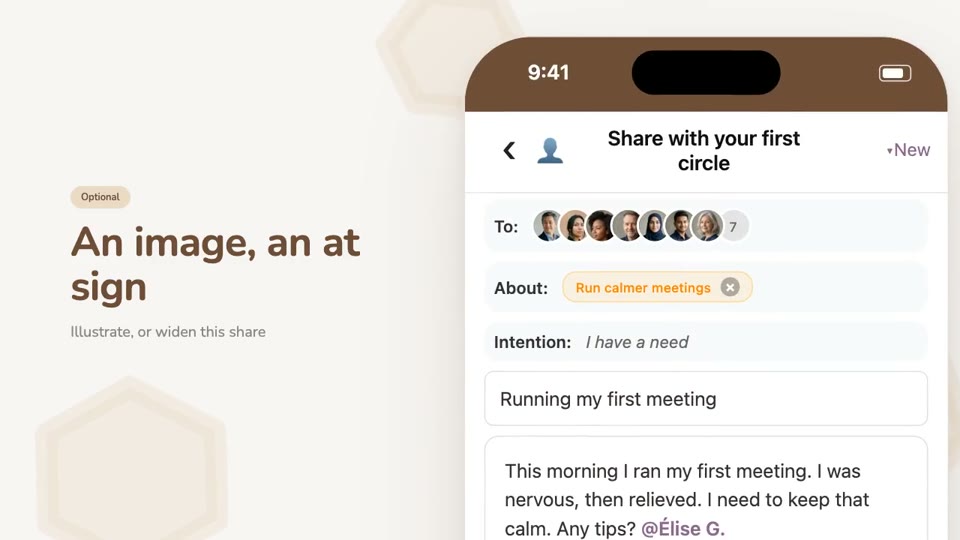
Two more options. An image, if it helps. And the at sign, to add a person or a badge to this one share, and to it alone: they join this share's readers, not your journal's.
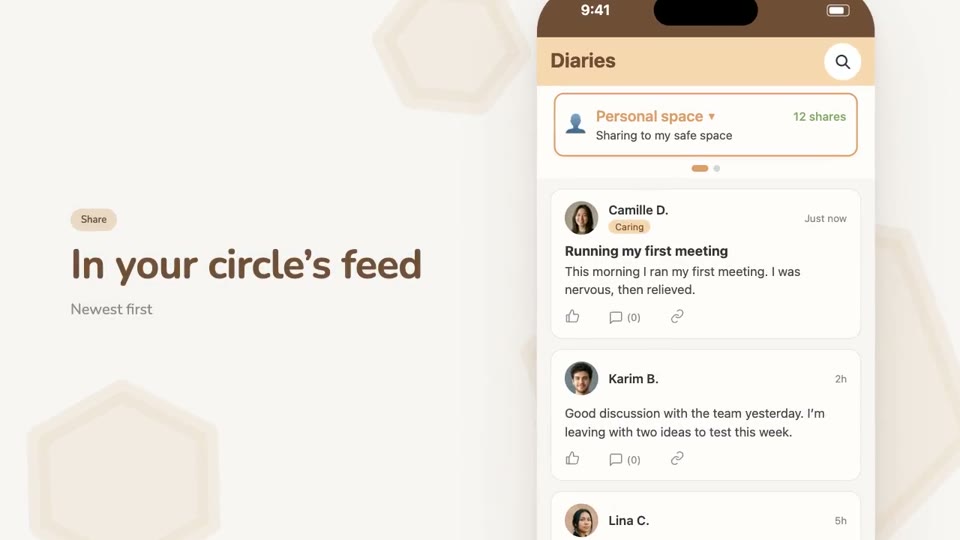
Tap Share. Your share lands at the top of your circle's feed, which reads from newest to oldest. Your readers will find it at their own pace.
There's no rhythm to keep up. Write when something deserves to be set down.